 HappyFolders
Download free
HappyFolders
Download free
Home › Mac desktop organizer
A Mac desktop organizer that's actually fun to use
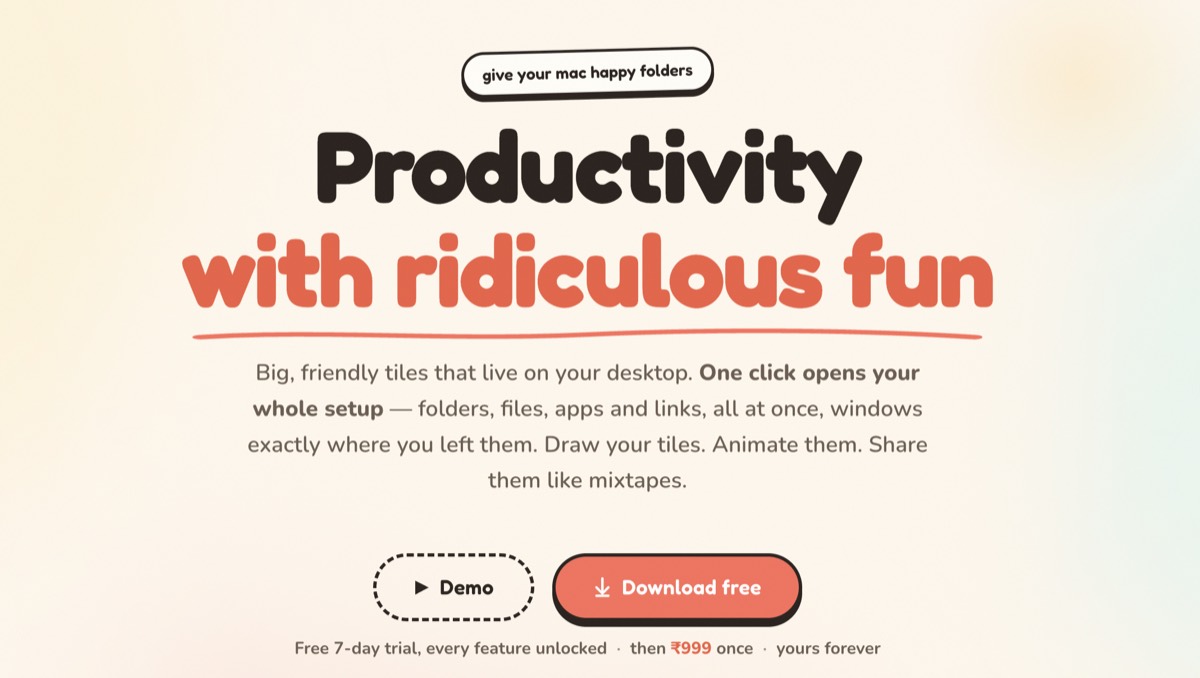
Happy Folders is a Mac desktop organizer that swaps messy files for big, friendly tiles. Each tile acts like a real folder (drag files in to tidy them) and opens your whole workspace in one click. Native macOS app, life-time $14.99, no subscription, zero tracking.
Why Mac desktops get messy
Screenshots pile up. Downloads land everywhere. final_v2.pdf meets final_FINAL.pdf. The Mac desktop is the easiest place to drop a file and the hardest place to find one later.
Most “fixes” just hide the mess. Happy Folders makes the desktop a place you actually want to look at, and use.
How Happy Folders organizes your desktop
- Tiles instead of clutter. Replace dozens of loose icons with a few big, labelled tiles you can read across the room.
- Real folder behaviour. Drag a file onto a tile and it moves right in (hold ⌥ to copy). Delete a tile and your real files stay safe.
- Your shapes, your art. Folder, circle, capsule, or a sticker you drew. Labels go anywhere.
- Stays calm. Tiles sit behind your windows like widgets. No Dock icon, no nagging.
It's an organizer and a launcher
This is the part other desktop organizers miss. A Happy Folders tile doesn't just hold things, it opens them. One click can launch a folder, a few apps, some files and a website together, with your windows back exactly where you left them.
So “Client work” isn't a pile. It's a button that starts your client work. More on opening a whole workspace in one click →
Happy Folders vs other ways to organize a Mac desktop
| Approach | Tidies the desktop | Opens a whole workspace | Custom look |
|---|---|---|---|
| Loose files & plain folders | A little | No | No |
| macOS Stacks | Yes (auto-piles) | No | No |
| Hidden / clear-desktop apps | Hides it | No | No |
| Happy Folders | Yes | Yes, one click | Yes, draw your own |
How to organize your Mac desktop with Happy Folders
- Download Happy Folders (free 7-day trial, no card) and open it.
- Make a tile for each part of your life: Work, Money, Fun.
- Drag your loose desktop files onto the matching tile.
- Tell each tile what to open: folders, apps, files, links, even a saved window layout.
- Pick a shape and colour, or draw your own. Done. A desktop that's tidy and does the work.
Mac desktop organizer FAQ
What is the best way to organize a Mac desktop?
Group related stuff into a few clear places instead of leaving loose files out. Happy Folders does this with big, labelled tiles that act like real folders: drag files in to tidy them, then click a tile to open everything it holds at once.
Does macOS have a built-in desktop organizer?
Yes. macOS Stacks auto-groups loose desktop files by type. It tidies, but it can't design your own tiles or open a whole workspace of apps and links in one click. Happy Folders adds both.
How much does Happy Folders cost?
Life-time $14.99 (₹999 in India), no subscription. Free 7-day trial with every feature unlocked. Runs on macOS 13 Ventura or later, Apple Silicon and Intel.
Give your Mac a desktop you love
Two minutes to a tidier, happier desktop. Free for 7 days.
macOS 13+ · notarized by Apple · no subscription · zero tracking